
Screpy Account and Project Settings
Configure Screpy projects, usage, security, connected apps, notifications, and workspace preferences.
The Screpy Project Workspace brings project configuration and ongoing website analysis together. Your settings define how projects crawl, monitor, and notify you. Use these guides to set up a reliable workspace, understand plan usage, and keep access to your account secure.
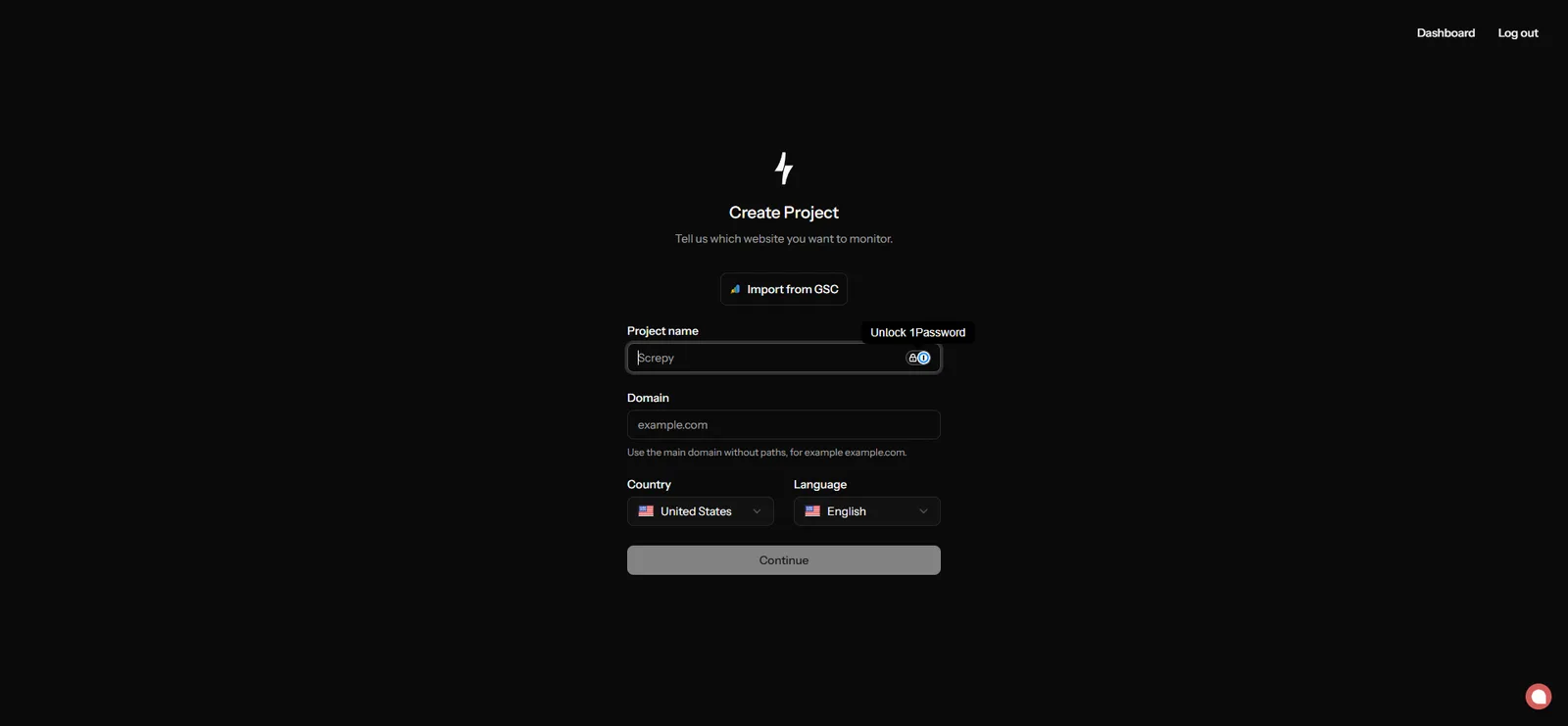
Start with Project settings when you are adding a website or changing how an existing project is monitored. Review Billing, plan & usage before increasing crawl or tracking activity, then use Profile & security and Connected apps to control who and what can access the workspace. Appearance and feedback settings do not change project data, so handle them after the operational setup is correct.
Configure your workspace
Project settings
Configure markets, crawls, tracking, uptime, and alerts.
Billing, plan & usage
Review plan limits, current usage, and invoices.
Rewards
Complete eligible tasks and earn temporary Max access.
Profile & security
Manage your profile, password, and account security.
Connected apps
Manage API keys and connected services.
Appearance
Set your Screpy interface preferences.
Feedback
Share feedback and feature ideas with Screpy.
Review settings after major changes
Check project settings whenever you add a new website, change monitoring expectations, or update your team. Keep API keys and connected apps limited to the people and systems that need them. After saving a change, return to the relevant project area and confirm that the selected market, schedule, notification, or integration is active. A saved setting is not useful until the related workflow reflects it.