

SEO
11 n8n SEO Workflows to Automate Repetitive Tasks
Build 11 n8n SEO workflows for Search Console, sitemaps, broken links, page speed and publishing checks, with node setups, clear outputs and failure handling.
Read articleGive each website its own SEO project. Switch between client sites, configure crawling and monitoring, connect the right data sources and work with your team without mixing website histories.










Start with a recognizable project name and a reachable public domain such as example.com. Choose the country, language and initial crawl scope before beginning your website analysis.
Already manage websites in Google Search Console? Connect your Google account, select the available domains and add them as Screpy projects instead of entering each website manually.
 Screpy
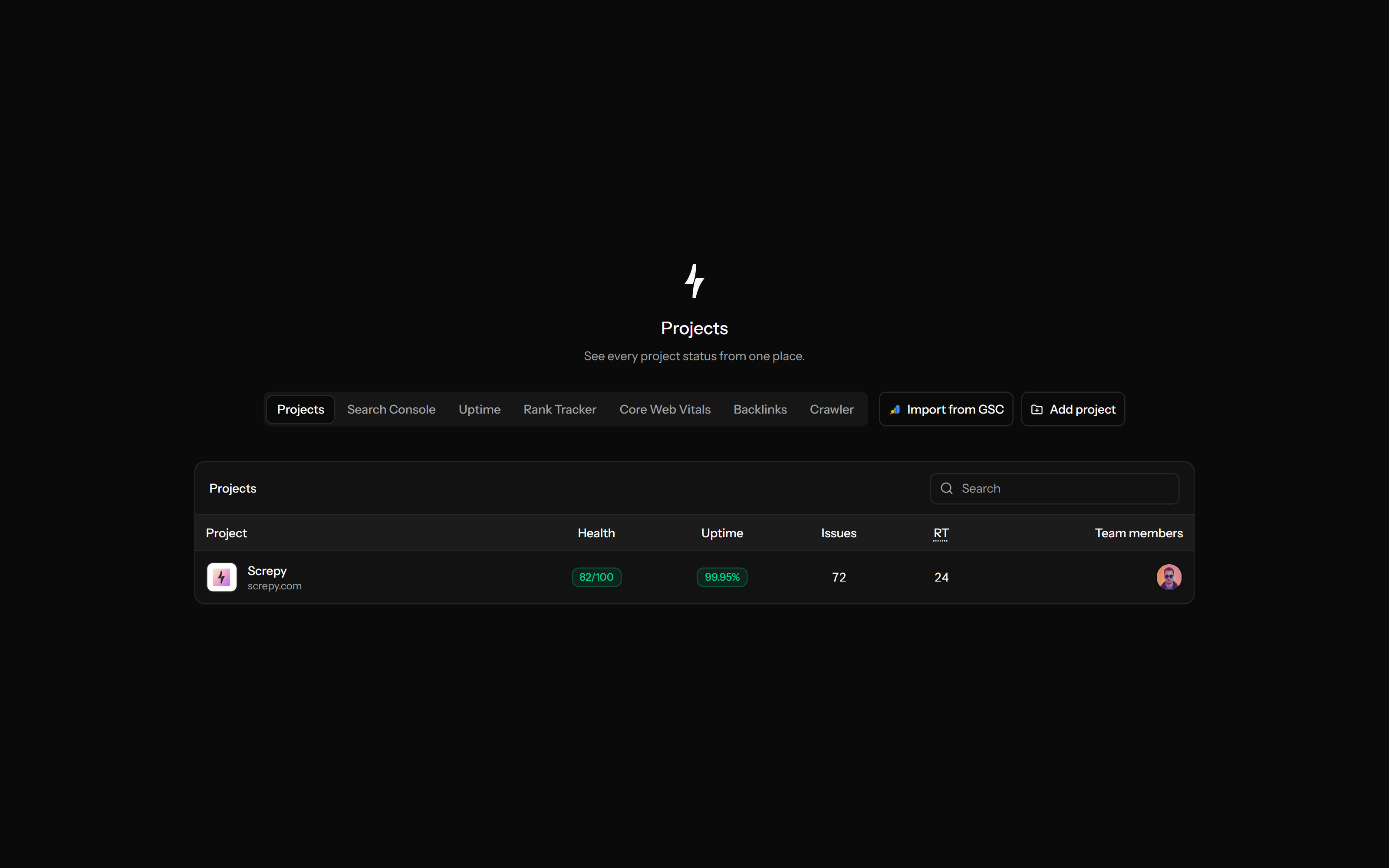
Use the projects list to find the website that needs attention, then open its dashboard or a specific module. Owned and shared projects stay accessible without combining their analysis histories.
Keep the project name, primary country, language and timezone aligned with the website you manage. These settings provide project context; they do not translate the website or set every keyword's individual search location.
Adjust how a future crawl discovers and analyzes the website. Change the setting that addresses the actual problem, then inspect a new completed crawl rather than expecting old audit data to change.
Coverage1,000
Pages3
Different signals need different refresh schedules. Configure the supported monitoring settings for this project instead of treating a full crawl, ranking update and availability check as the same task.
Match external data to the correct website. Search Console and Cloudflare connections provide different evidence, and a project membership does not automatically authorize another person's external account.
ScrepyProject owners add collaborators to the selected website with owner or member roles. Each person signs in with their own account and works with the project's data instead of sharing an owner's login.
Send project alerts to the right recipient and configure outreach delivery separately. The project owner manages SMTP settings; setting a notification email does not schedule client reports.
Projectexample.com
ReviewPrepare an update from the selected website's available data. Use your report templates and generate a PDF snapshot for people who need the findings without ongoing dashboard access.
aACMEReportPDF
Connect an AI assistant to your Screpy project through SEO MCP. Select a project, review its overview and investigate supported crawl, ranking and search data using scoped access.
Screpy documentation
Follow the setup and settings guides to choose a public domain, adjust crawling and configure project monitoring.
Learn the concepts behind this workflow and apply them with practical SEO guidance.
Build 11 n8n SEO workflows for Search Console, sitemaps, broken links, page speed and publishing checks, with node setups, clear outputs and failure handling.
Read articleLearn how TypeSafe AI's Jev supports SEO classification, scoring, prioritization, and QA with typed decisions, confidence rules, and human review.
Read articleLearn what agentic SEO is, how AI agents plan, execute, measure, and improve SEO workflows, and where human review and guardrails still matter.
Read articleLearn a practical semantic SEO workflow based on search intent, topic coverage, entities, internal links, and accurate structured data—not LSI keyword myths.
Read articleAnswers about website scope, setup, historical data, access and sharing.
A project owner can confirm deletion in Settings. The project is removed from normal workspace use. Keep any needed reports first; there is no self-service restore workflow promised here.
A Screpy project groups one website's settings, crawl history, monitoring and reports. The workspace helps you choose the correct website and share its SEO context with authorized teammates.
The module may need a completed analysis, tracked keywords, an eligible plan or an authorized connection. Check its actual availability; missing data is not a zero score or proof that the website has no activity.
No. Saved crawl settings apply to future analyses. Run a new crawl and compare completed results; changing capacity or rendering does not rewrite a historical snapshot.
Yes. Supported MCP tools can list accessible projects, read project context and make explicitly requested settings changes. Creation and deletion require confirmation; deletion is owner-only. MCP access does not bypass plan or project permissions.
No. Project access and external authorization are separate. Search Console uses the appropriate account/property connection, while Cloudflare analytics requires the viewer's authorized connection and matching website zone.
The supported settings do not change the domain after creation. Create a new project for a different hostname; keep needed reports from the old project and do not assume its history transfers.
Audits, crawling, rankings, Maps, AI Visibility, backlinks, search data, analytics, content and reports use project context. Each feature still needs its own eligible plan, setup or connection.
Yes. Create a separate project for each website and switch between accessible projects. Check your plan's project allowance and the capacities needed for each monitoring feature before adding more sites.
Yes. Separate projects keep client histories, crawl settings, collaborators and reports distinct. Project membership grants product access; use a PDF report when a client only needs an update.
No. You can generate a PDF report and share that document yourself. Add a member only when they need ongoing project access; membership is not a dedicated read-only report role.