
Search Visibility with Screpy
Use Screpy to connect Google Search Console, review index status, track rankings, monitor maps, research organic keywords, and analyze SERPs in one workflow.
Search visibility is easier to improve when technical work, rankings, and search demand are considered together. Start with the Search Console integration when you need first-party query and page performance data. These guides explain how to use Screpy data to investigate changes in organic performance and choose the next action.
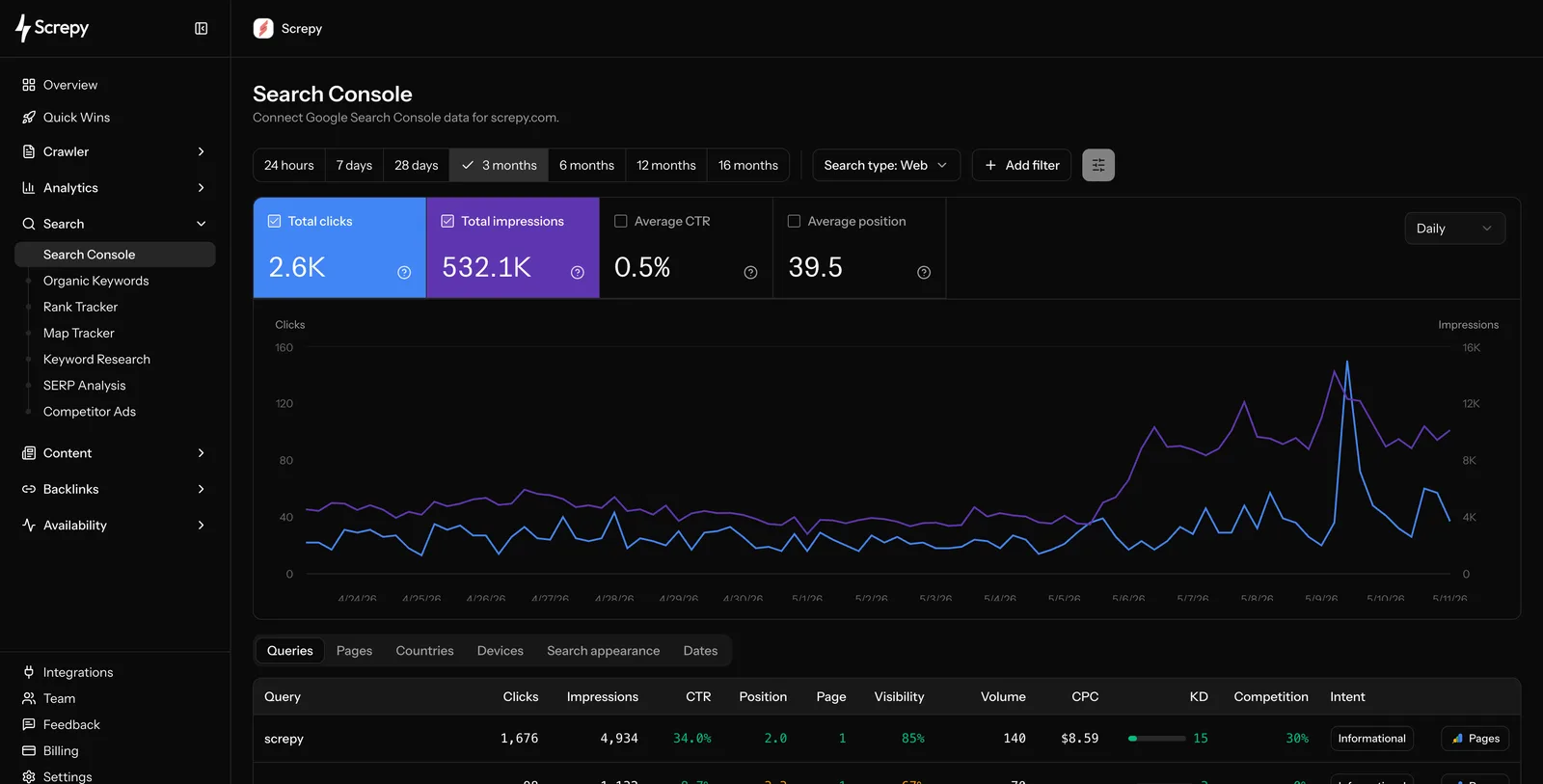
Use Google Search Console and Organic Search to understand the queries and pages already earning impressions. Use Index Status when an important crawlable URL is missing from Google, Rank Tracker for a consistent set of target keywords, and Map Tracker for location-specific visibility. Open SERP Analysis before changing a page when you need to understand the result types and competitors currently serving the query.
Explore search visibility
Google Search Console
Connect and use Search Console data in Screpy.
Search Console Insights
Review search opportunities and performance trends.
Index Status
Check which crawlable URLs Google has indexed and investigate coverage states.
Rank Tracker
Track the rankings that matter to your project.
Map Tracker
Monitor local visibility for target locations.
Organic Search
Investigate organic keyword and page performance.
SERP Analysis
Research the search results behind an opportunity.
Investigate changes before acting
Compare visibility changes with recent content, technical fixes, and crawl findings. Keep the search type, country, device, and date windows comparable. Search metrics show what moved; page-level and audit data help explain why it moved and where to focus next. After making a change, verify that the intended URL is crawlable and canonical, then monitor the same query/page segment long enough to distinguish a persistent result from normal variation.