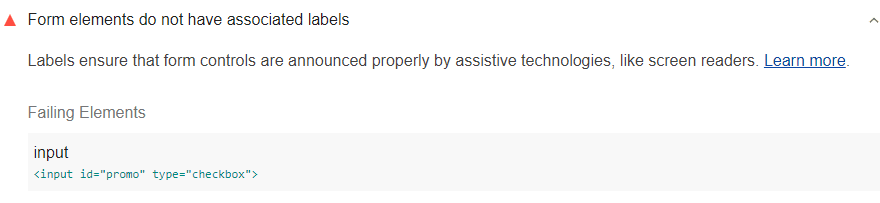
Google Lighthouse determines and flags the form elements that do not have an associated label. This audit alert is as follows:
How to pass the audit? – Adding Labels to Forms
You can do this in two different ways:
- First of all, it makes sense to add an input element into the label element on the HTML source page. Check the example:
<label>
  Receive promotional offers?
  <input type="checkbox">
</label>
- You can use for attribute for the labels. This will help you to refer to the form element’s ID. Here is an example:
<input id="promo" type="checkbox">
<label for="promo">Receive promotional offers?</label>