

For a large image library, choose the tool by how the finished alt text will reach your website. A generator with a CMS plugin suits an existing backlog; a template editor suits predictable product data; a spreadsheet importer suits descriptions your team has already reviewed.
These 12 bulk alt text tools cover those different jobs. Some generate descriptions from images, while others apply rules or publish approved text. None removes the need to check what an image means on its actual page. Keep useful existing descriptions and intentionally empty alternatives for decorative images outside an indiscriminate bulk fill.
Compare bulk alt text tools
This comparison uses official product pages, pricing and documentation checked on November 16, 2026. Selection is based on a documented bulk generation, editing or import workflow for website images. The order groups workflows; it is not an accuracy ranking or a hands-on benchmark.
Screpy publishes this guide. Our image-analysis feature supports the audit stage described below, but it does not generate or write alt text, so it is not a numbered tool here.
Prices use the currency and billing basis shown by each source. A small starting allowance may suit ongoing uploads without clearing a large backlog. Taxes, regeneration, extra languages and other image operations can change the total.
| Tool | Suitable workflow | Relevant features | Free offering or trial | Starting paid price | Important limit |
|---|---|---|---|---|---|
| AltText.ai | Mixed CMS libraries or image-URL lists | CMS plugins, CSV import/export, API | 25-credit trial | US$5/month for 100 credits; US$3/50-credit one-time pack | Standard formats use 1 credit; advanced formats use 2; additional languages cost extra |
| Alt Magic | One-time backlog across sites | Bulk generation, WordPress/Shopify, API | 50 credits/month | $9 once for 500 credits, advertised limited-time promotion | Currency code not stated on the checked page; promotional price can change; credits do not expire |
| AltTextLab | Multilingual CMS libraries | Bulk plugins, API, existing-alt preservation | 25 credits/month | US$5/month for 100 credits; US$48/year for 1,200 | Bulk processing is available in plugins; web snippet has separate subscription eligibility |
| AutoAlt.ai | Stores across several CMS platforms | Queued bulk runs, plugins, API | 50 images/month | €4.49/month for 100 images | Web prices are EUR; Shopify app billing is separate in USD |
| ShortPixel | WordPress metadata alongside image optimization | Bulk AI metadata, keep-existing controls | 100 AI credits/month | $10.99/month with 100 AI credits; Unlimited AI $15.99/month or $159.90/year | Currency code not stated in fetched pricing data; unlimited compression does not mean unlimited AI on the cheaper plan |
| SEOPress PRO | WordPress teams already using SEOPress | Media Library bulk actions and review before saving | Free plugin does not include this PRO workflow | US$49/year for 1 site, excluding VAT | AI usage requires separate credits or a configured provider account |
| ImageSEO | WordPress image metadata | Existing-library processing, alt text and filenames | 10 images/month, 1 project | €4.99/month for 100 images; Standard €11.99/month for 250 explicitly lists bulk generation | Confirm the selected tier's bulk entitlement; filename changes need separate review |
| Altomatic | WordPress alt text plus format optimization | Background batches, editable AI descriptions | 50 credits/month | US$5/month for 500 credits | AI alt text costs 3 credits/image; optimization of sizes/formats adds usage |
| WriteText.ai | Ecommerce product-content operations | Bulk product text, image alternatives, native store integrations | Pro trial; allowance/duration not specified on opened pricing page | US$90 once for 1,000 Starter credits; Pro US$149/month for 2,000 credits, before tax | An alt-text action covers up to 11 images per credit; broader automation requires Pro |
| TinySEO | Shopify catalog templates and recurring maintenance | Bulk alt editor, automatic templates, image tools | Free plan: 50 image optimizations and 10 AI credits/month; paid plans have a 7-day trial | US$14 per 30 days, 1,500 image optimizations and 150 AI credits | Template-generated alt text is not visual analysis; extra optimizations cost US$0.02/image on Beginner |
| Hextom Bulk Image Edit & SEO | Filtered Shopify edits | Alt templates, replacement rules, AI option, scheduled jobs | Free: unlimited standard alt editing and 50 image edits/month | US$9.99 per 30 days, 1,000 image edits | AI generation consumes edit credits; the live app listing does not state the per-alt AI rate |
| Matrixify | Publishing reviewed Shopify descriptions | Excel/CSV export, narrow updates, import results | Demo: 10 products/job | US$20 per 30 days, 5,000 products/job | Limits are products per job, not images/month; descriptions must come from your team or another tool |
For example, 500 Altomatic credits cover at most 166 three-credit alt-text generations if you spend nothing on compression or other operations. Budget against the billable action, not the number printed on the plan.
1. AltText.ai

Homepage image: AltText.ai.
AltText.ai is a practical starting point when images arrive through several systems. Its bulk workflow supports connected CMS libraries, image-URL lists, CSV import/export and an API, giving a team more than one route from generation to implementation.
For a legacy library, start with a filtered export or a connected site's missing-alt images. Supply verified product information where useful, choose the output language and preserve existing descriptions using its overwrite controls. Review the generated text before writing it back or exporting it.
The advantage is workflow flexibility: a WordPress editor and a developer maintaining a custom catalog can use different integration paths. The limitation is that generating a CSV does not establish that your CMS can import that exact file. Preserve stable identifiers and confirm the return path first.
Check format and translation charges before a large run. If your main requirement is applying already approved Shopify text, Matrixify addresses that publishing job directly.
2. Alt Magic
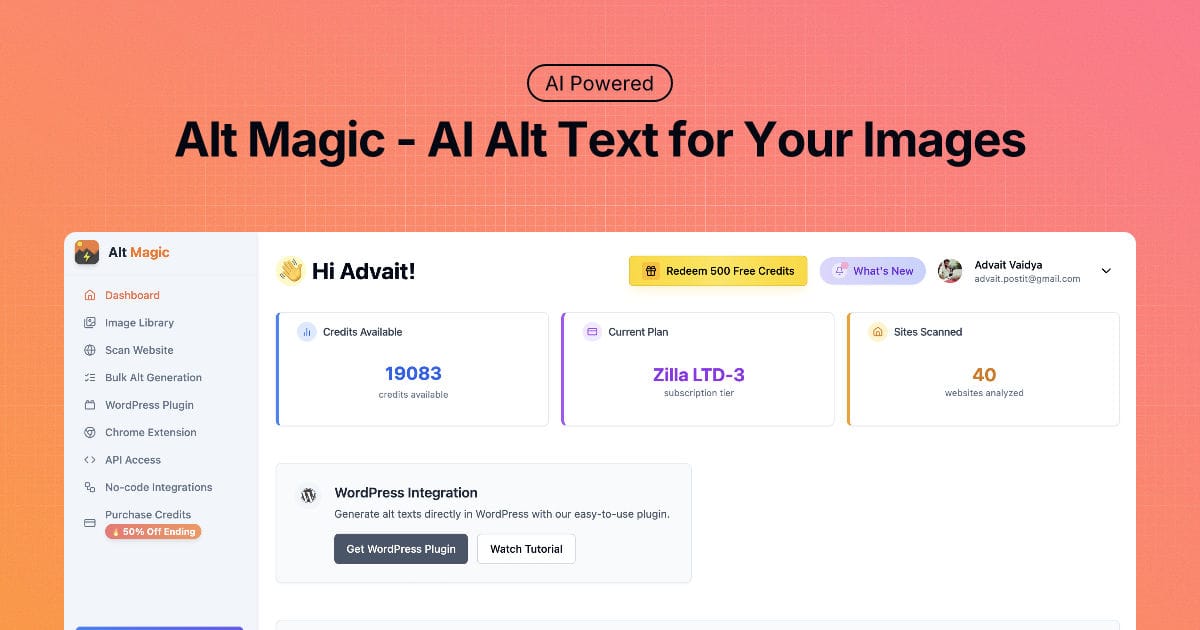
Homepage image: Alt Magic.
Alt Magic suits a backlog that you want to process without maintaining a subscription solely for that task. Its current offering combines one-time credit packs with a recurring free allowance, plus bulk generation, WordPress and Shopify connections, and API access.
A useful workflow is to scan for missing alternatives, group the results by page or product type, then generate a limited batch through the relevant integration. Read the output beside the images before extending the same settings to the rest of the group. A shop's front-view photos and installation diagrams should not share one undifferentiated instruction.
The one-time model is convenient for irregular work across websites. It does not make credits interchangeable with other vendors' allowances or guarantee that the first description will be usable. Regeneration and review still belong in your budget.
The advertised Starter price is promotional. Check it again before buying. Choose AltText.ai instead when its documented CSV import/export path is the deciding requirement.
3. AltTextLab
Homepage image: AltTextLab.
AltTextLab fits teams working across languages or several CMS installations. Its current documentation describes bulk processing through plugins, API access and integrations including WordPress, Shopify, Webflow and other platforms. Older comparison pages that describe it as lacking CMS plugins do not reflect the current offering.
For WordPress, begin with the default behavior that preserves existing alt text. Process a small missing-alt group in the site's required language, inspect meaningful product details, and review the published page. Use deliberate regeneration only when existing descriptions actually need replacement.
Its integration coverage and 130-plus supported languages are documented strengths. Neither establishes that a translation names the correct material, brand or diagram relationship. Review those details with someone who understands the content and language.
Also distinguish a plugin workflow from its web snippet. The pricing page lists the snippet under subscription plans and excludes it from pay-as-you-go purchases. If your requirement is a portable, reviewed Shopify spreadsheet rather than ongoing generation, Matrixify may be the more direct fit.
4. AutoAlt.ai
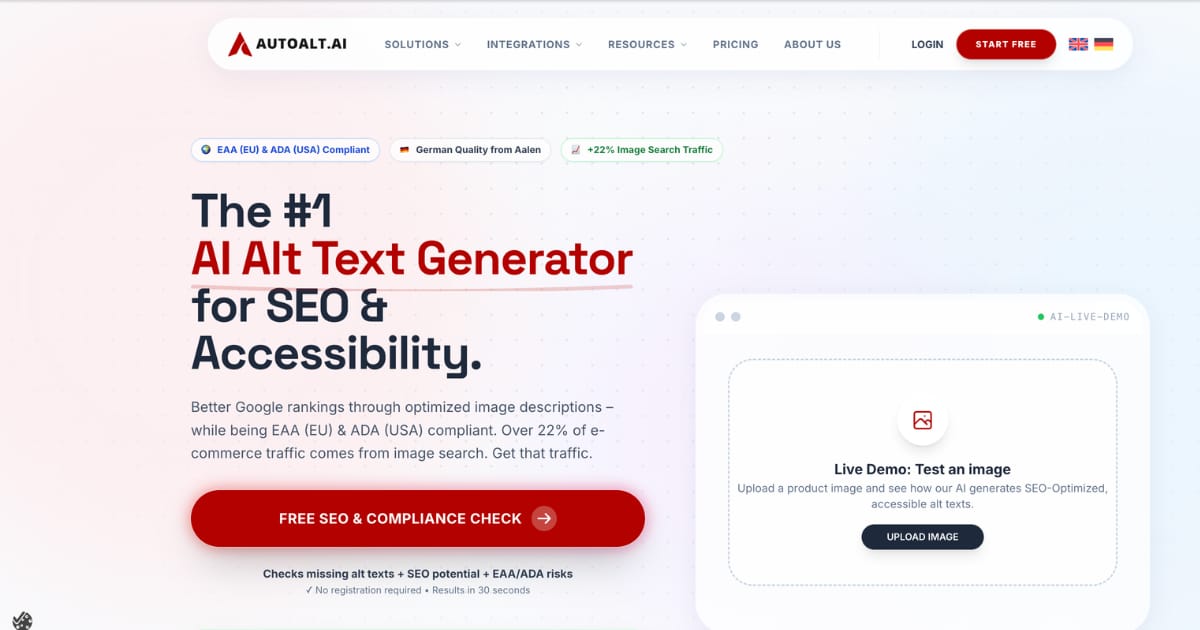
Homepage image: AutoAlt.ai.
AutoAlt.ai is worth evaluating when the same organization manages stores on different systems. Its official site lists integrations for WordPress/WooCommerce, Shopware, Shopify, Magento, PrestaShop and other CMS platforms, alongside bulk upload and a REST API.
For an existing catalog, use the relevant integration to process a selected library group in the background. The documented queue and optional completion notification help distinguish submitting a run from finishing it. Afterward, reconcile the processed images with the intended selection and inspect a sample on the storefront.
Product data can supply context, but only use attributes you have verified. A generic product name does not explain the difference between a side view, a packaging photo and a measurement chart.
Web plans are priced in euros, while the Shopify app bills in US dollars. Do not transfer the web plan's price directly into a Shopify budget. Its EU-processing information may also matter when reviewing image-data handling. For a straightforward Shopify template update without image analysis, compare Hextom or TinySEO.
5. ShortPixel

Homepage image: ShortPixel.
ShortPixel is useful when WordPress image optimization and alt-text maintenance belong to the same team. Its AI Image SEO feature is available inside ShortPixel Image Optimizer and through a standalone AI Alt Text Generator plugin. Count these as two installation choices for one service, rather than separate tools.
The current settings guide documents bulk generation, field selection and controls to keep existing image metadata. Select alt text only if that is the job; there is no need to rewrite captions, titles or filenames merely because the tool offers them.
For a pilot, preserve existing data, supply page or site context and review the descriptions before expanding processing. The standalone plugin cannot run alongside Image Optimizer; the latter already includes its AI features.
The main buying trap is the word “unlimited.” The lower Unlimited plan includes unlimited optimization but only 100 AI credits per month. Unlimited AI is the separate plan. One AI credit covers an image's generated metadata, unlike Altomatic's three-credit alt-text charge.
6. SEOPress PRO
Homepage image: SEOPress.
SEOPress PRO is a sensible option when it is already part of your WordPress editing workflow. Its image-metadata guide documents Media Library bulk actions for alt text and other image fields, including actions that fill only missing values.
The important current detail is the review step. Since PRO 10.4, bulk suggestions appear in a review window instead of being written immediately. Select a small group in the Media Library's list view, choose the appropriate AI bulk action, then inspect the suggestions before saving.
This makes it useful for an editor who wants a decision point between generation and publication. “Only missing” still requires a filtered selection: an intentionally empty decorative image must not receive a description merely because its field is blank.
Budget for the PRO license and the AI usage separately. The workflow needs SEOPress credits or a configured, vision-capable provider. A free SEOPress installation alone does not supply this PRO feature. Compare a dedicated service if managing those settings is unnecessary overhead for your team.
7. ImageSEO
Homepage image: ImageSEO.
ImageSEO focuses on WordPress image metadata, including alt text and filenames. Its official pricing FAQ describes scanning an existing Media Library and processing images in bulk, making it relevant to an older site with a backlog.
Keep the operation narrow. Start with informative images that need descriptions and check whether filename rewriting is enabled separately. Adding an alternative and changing an established image URL are different maintenance decisions; the latter can affect references outside the field you intended to edit.
There is a useful pricing distinction to resolve before a purchase: Starter is the lowest paid plan, but Standard is the first tier whose feature list explicitly names bulk alt-text generation. Confirm your required bulk workflow on the selected plan instead of assuming every advertised feature belongs to the cheapest tier.
Choose ImageSEO when a WordPress-focused metadata workflow meets your needs. Consider a cross-platform service for a mixed CMS estate, or ShortPixel when image compression is also part of the same team's task. Generated descriptions still need contextual review.
8. Altomatic
Homepage image: Altomatic.
Altomatic combines WordPress image optimization with AI alt-text generation. Its WordPress product page describes Media Library integration, background batches, progress tracking and editable or regenerated descriptions.
This fits a team that wants to manage compression, format variants and descriptions in one place. Configure the fields and image variants deliberately, then run a representative group before processing the wider library. Keep a record of the old alternatives and check the actual page output.
Its credit model deserves particular attention. An AI alt-text generation uses three credits per image, while optimization uses credits for image sizes and formats. A 500-credit balance is therefore not a promise of 500 completed image descriptions, especially if several optimization operations run too.
If you only need alt text, compare the total cost of your planned operations with a dedicated generator's per-image allowance. If compression is already handled elsewhere, decide which plugin owns each operation before enabling automation. The product's batch-processing claims are documented capabilities, not a measured throughput result from this comparison.
9. WriteText.ai
Homepage image: WriteText.ai.
WriteText.ai fits ecommerce teams that manage product descriptions and image alternatives together. Its native integrations cover WooCommerce, Magento and Shopify, and its bulk product-content workflow includes image alt text.
Use it at the product level: select a coherent product group, supply accurate attributes, generate the required fields and review the alternatives against each gallery view. A product's marketing description can provide context, but it should not cause every image to inherit claims that are not visible or relevant.
Its pricing uses actions rather than a simple image count. The published credit table lists one credit for an alt-text action covering up to 11 images. Other content actions consume their own credits. Starter supports purchased credits, while Pro adds the broader automation workflow.
That structure can suit a catalog-content operation but is unnecessary for a library of unrelated editorial images. A dedicated generator is easier to compare for that narrower task. Do not treat the advertised Pro trial as a permanent free plan; the opened pricing page does not specify its duration or credit allowance.
10. TinySEO
Homepage image: TinySEO.
TinySEO, previously TinyIMG, is useful for Shopify stores that want recurring image maintenance alongside other SEO tasks. Its documentation describes automatic alt-text templates and bulk editing, with separate image-optimization and AI allowances.
For a consistent catalog, build a template from trustworthy product information, preview representative images and apply it only to a relevant group. Check whether the resulting descriptions distinguish the useful gallery details. Repeating a product title may identify an item while saying nothing about the particular view.
The strength is a store-focused maintenance workflow. The limitation is the difference between a rule and image understanding: an automatic template cannot reliably infer that one photo shows an interior pocket and another a damaged corner.
Keep the pricing units separate too. An image-optimization quota or an AI credit balance does not, by itself, state how many contextual descriptions a template will produce. If you need individually generated descriptions for varied photographs, compare a dedicated image-analysis service; if you already have approved text, consider a spreadsheet update with Matrixify.
11. Hextom Bulk Image Edit & SEO
Hextom's Shopify app suits targeted, repeatable catalog edits. It supports alt-text templates, text replacement and AI-generated alternatives alongside other image operations.
Begin by filtering the products and images that need the same change, then preview the matches. A template can be useful when reliable product attributes describe the selected images. For visually different views, review the AI option or supply individual descriptions instead of applying one label to the entire gallery.
The free plan lists unlimited standard alt-text editing, which is different from unlimited AI generation. The live app listing does not specify the per-alt AI charge. Check the task's current credit estimate before running it rather than assuming the free alt allowance covers the AI operation.
Its scheduled tasks and image-editing scope make it useful for repeat catalog maintenance. That breadth also means you should confirm the task changes only alt text when that is your intention. Matrixify is a better fit when the source of truth is an approved spreadsheet with specific text for each image.
12. Matrixify

Homepage image: Matrixify.
Matrixify solves the implementation half of bulk alt-text work on Shopify. It exports store data, lets your team edit a spreadsheet, then imports the changes. It does not look at an image and decide what description it needs.
Its official alt-text tutorial describes exporting Products with Basic Columns and Media, retaining the product/image identifiers, changing Image Alt Text and importing the edited file. For a narrowly scoped update, its example retains these columns:
ID,Handle,Image Src,Image Alt Text
1234567890,canvas-tote,https://example.com/media/tote-interior.jpg,"Canvas tote interior showing two open pockets"
This is an illustrative row, not real store data. Start from your own export and retain its exact IDs, handles and image URLs. For an Excel file, keep the sheet name Products. Remove unrelated editable columns rather than importing a whole catalog with accidental changes.
Choose Matrixify when editors already have approved descriptions or need a reviewable import file. Check the import results and resolve failed items. Its limits count products per job, so a product with several images is different from several billable image generations.
Run a controlled bulk alt text update
A large library needs a reliable mapping between the image, its use on a page and the field you will change. Buying enough credits is only one part of the job.
Inventory the uses before generating text
Start with a representative audit, then inspect the source pages. Screpy's Image SEO Analysis groups image sources and helps trace missing or blank alternatives to their page context. It does not generate the replacement, judge its meaning or automatically repair the CMS.
Separate three cases: an absent alt attribute, an intentionally empty alt="", and an existing description that may need editing. A blank field is not sufficient evidence that a description is missing. Follow the W3C alternative-text decision tree: informative images need their relevant meaning conveyed, functional images need their action or destination explained, and decorative images can appropriately remain silent.
The same source file can have different roles on two pages. Keep page context in the review record instead of deduplicating every occurrence into one universal description.
Preserve the old values and review a small batch
Export the current values or take a suitable backup before granting a tool write access. Check what image files, URLs and surrounding product information will be sent for processing. Use images your organization is entitled to share, and review the service's data-handling terms for sensitive material.
Choose a small, varied sample, such as 20 images spanning product views, details and editorial illustrations. This is a suggested pilot size, not a tested vendor capacity limit. Keep decorative images out of automatic missing-field fills.
Use a review ledger like this one:
page_url,image_url,image_role,current_alt,proposed_alt,decision
https://example.com/products/tote,https://example.com/media/tote-interior.jpg,informative,,"Canvas tote interior showing two open pockets",review
https://example.com/about,https://example.com/media/divider.svg,decorative,,,keep_empty
These URLs and descriptions are fictional. The ledger is for review, not a universal CMS import format. Export the approved changes through your tool's actual supported schema.
Read each proposal beside the image and surrounding text. Remove invented colors, materials, measurements and product claims. A detail photo should explain its useful detail; a functional image should identify its purpose. Our Shopify product-image alt text examples show how those decisions change across gallery views.
Verify what was saved and what visitors receive
After the pilot, compare the requested, completed, skipped and failed items. A submitted job is not a completed update. Retry a failed selection only after confirming its current values and identifiers; avoid rerunning the entire library because one batch stalled.
Inspect the live page's actual image attribute. For the illustrative tote image, the intended result could be:
<img src="/media/tote-interior.jpg"
     alt="Canvas tote interior showing two open pockets">
If the admin contains the new text but the page does not, investigate the theme, cached output or another field supplying that occurrence. If only some items changed, check job results, remaining credits, selected filters and unsupported formats before broadening the run.
Finally, assess meaning as well as presence. Google's image guidance recommends useful, contextual alt text and warns against keyword stuffing. A nonempty field is not proof of accessibility, indexing, rankings or an AI citation. Expand the workflow when the sample is accurate, the intended fields alone changed and the published pages render those changes correctly.